
File Hash
Compute and copy MD5, SHA-1, SHA-256 and SHA-512 hashes.
Short answer: JoyClick can compute and copy MD5, SHA-1, SHA-256 and SHA-512 hash values for selected files from the right-click menu, which is useful for verifying file integrity.
A file hash is a fixed-length fingerprint of a file’s contents. JoyClick computes hashes for one or many files at once and lets you copy a single value or all results, so you can verify downloads and transfers without opening Terminal.
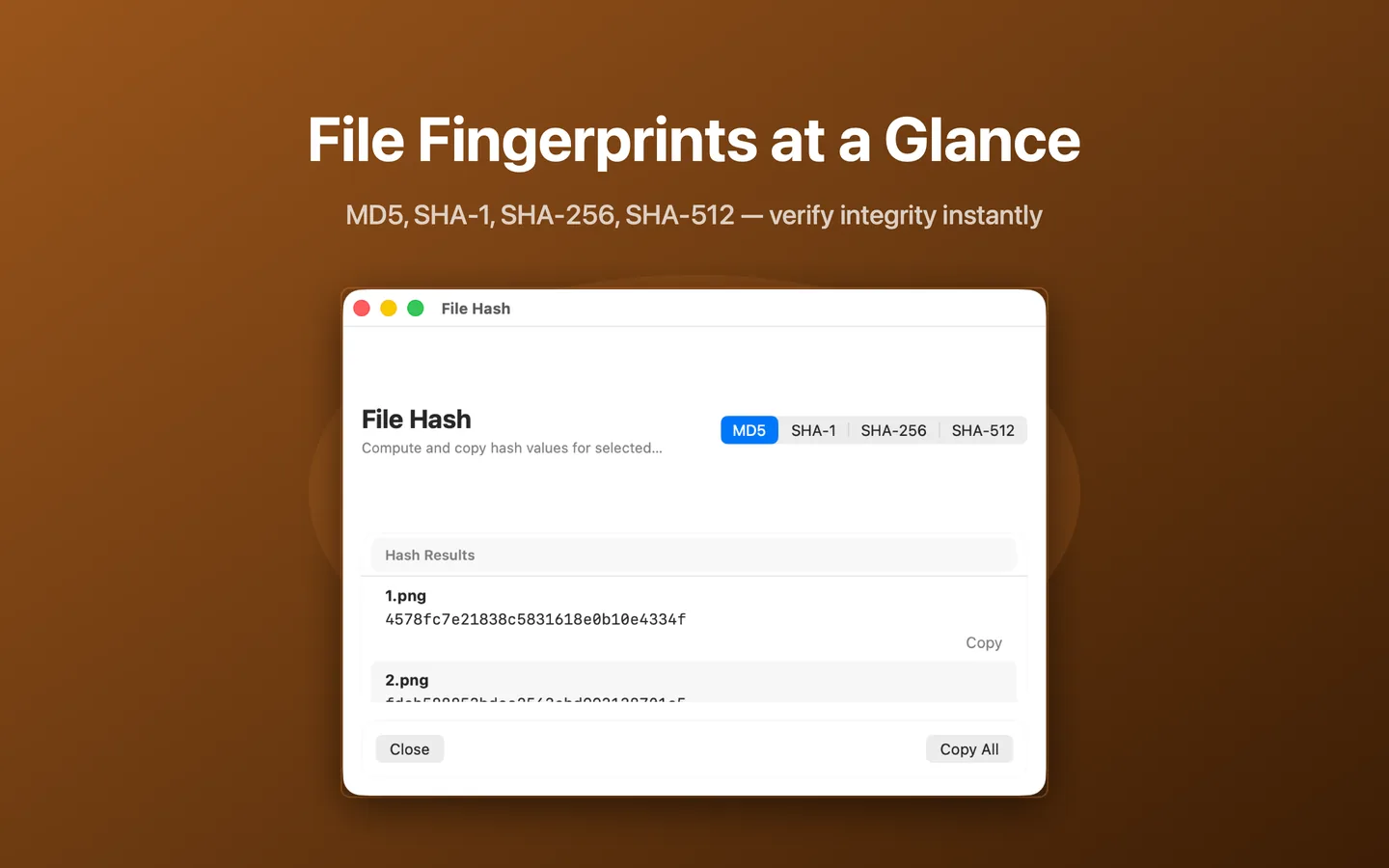
What File Hash can do
- Compute MD5 hashes
- Compute SHA-1 hashes
- Compute SHA-256 hashes
- Compute SHA-512 hashes
- Compute hashes for multiple files in one operation
- Copy a single hash or copy all results
How it works
- Select one or more files in Finder.
- Choose Tools → File Hash from the right-click menu.
- Pick the algorithm: MD5, SHA-1, SHA-256 or SHA-512.
- Copy the hash value, or copy all results.
When to use it
- Verifying that a download matches its published checksum.
- Confirming a file transferred without corruption.
- Sharing a checksum with someone who needs to verify a file.
Availability and limitations
File Hash is part of JoyClick, a macOS utility that requires macOS 14.0+. Some actions require granting JoyClick permission to the folders it works in. Available actions may depend on the selected file type and the applications installed on your Mac.
Frequently Asked Questions
Which hash algorithms does JoyClick support?
JoyClick supports MD5, SHA-1, SHA-256 and SHA-512.
Can I hash several files at once?
Yes. Select multiple files and JoyClick computes hashes for all of them. You can copy a single value or copy all results.
Can I copy the hash value?
Yes. You can copy a single hash value or use Copy All for the whole result set.
Try File Hash on your Mac
Download JoyClick - Right-Click Tools on the Mac App Store. Requires macOS 14.0+, $8.99 one-time purchase, privacy: Data Not Collected.