
Duplicate Files
Find duplicate files by content to reclaim disk space.
Short answer: JoyClick includes a content-based duplicate file finder that identifies duplicate files so you can remove the extras and reclaim disk space.
The Duplicate Files tool compares file content rather than only file names, so it finds true duplicates even when the copies have different names. This makes it easier to clear out repeated downloads, exports and backups.
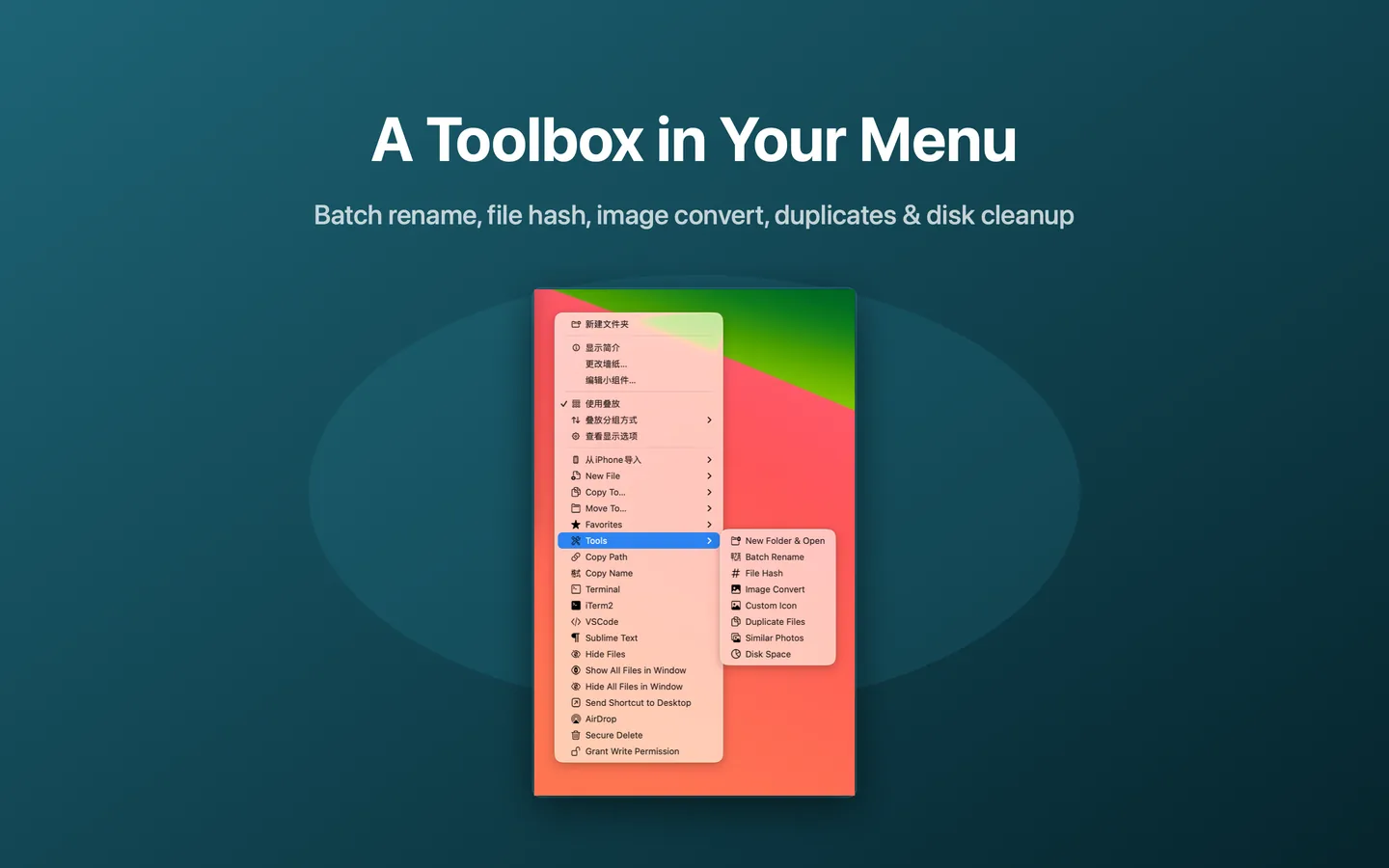
What Duplicate Files can do
- Find duplicate files by content
- Detect duplicates even with different file names
- Review results before removing anything
- Reclaim disk space by removing extras
How it works
- Choose Tools → Duplicate Files from the right-click menu.
- Select the folder or location to scan.
- Review the duplicate groups.
- Remove the copies you no longer need.
When to use it
- Freeing up disk space taken by repeated files.
- Cleaning up folders after several rounds of exports or downloads.
- Finding duplicates that Finder search does not surface by name.
Availability and limitations
Duplicate Files is part of JoyClick, a macOS utility that requires macOS 14.0+. Some actions require granting JoyClick permission to the folders it works in. Available actions may depend on the selected file type and the applications installed on your Mac.
Frequently Asked Questions
Does JoyClick find duplicates by name or by content?
JoyClick compares file content, so it can find duplicates even when the copies have different file names.
Will JoyClick delete files automatically?
No. JoyClick shows the duplicate groups for review so you decide what to remove.
Try Duplicate Files on your Mac
Download JoyClick - Right-Click Tools on the Mac App Store. Requires macOS 14.0+, $8.99 one-time purchase, privacy: Data Not Collected.