
Menu Editor
Add, remove, reorder and group context-menu items.
Short answer: JoyClick includes a menu editor that lets you add, remove, reorder and group right-click menu items, assign custom icons, and optionally show a menu-bar quick access item.
The Menu Editor makes the context menu your own. You decide which actions appear, in what order, and how they are grouped. You can add custom icons, keep a favorites list, enable a menu-bar item, and launch JoyClick at login with a minimized option.
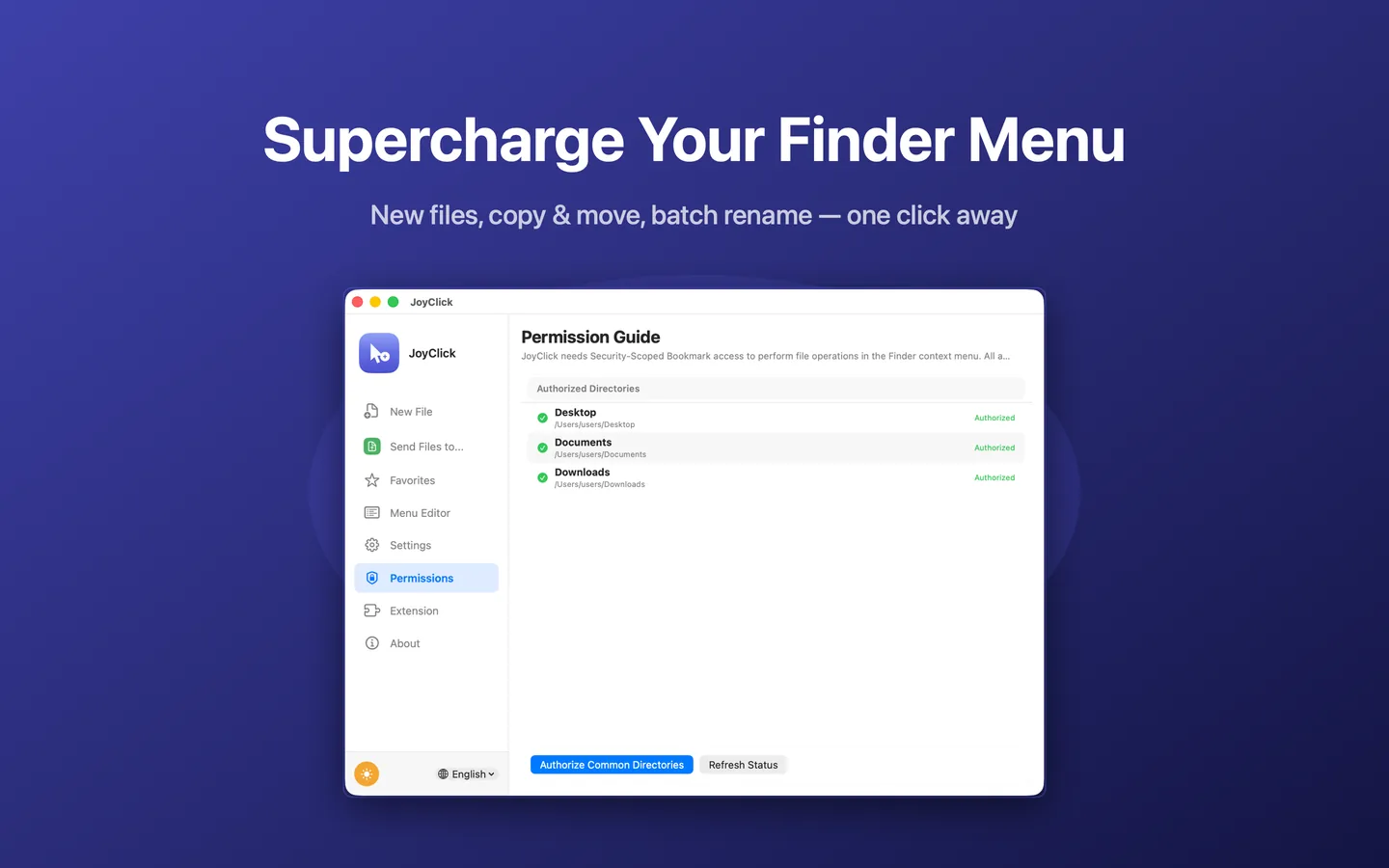
What Menu Editor can do
- Add menu items
- Remove menu items
- Reorder menu items
- Group menu items
- Assign custom icons
- Favorites
- Optional menu-bar quick access
- Launch at login with a minimize option
How it works
- Open the Menu Editor in JoyClick.
- Add, remove, reorder or group the actions you want.
- Assign custom icons where useful.
- Optionally enable the menu-bar item and launch at login.
When to use it
- Keeping the right-click menu short and focused on your own workflow.
- Grouping related actions together.
- Getting quick access from the menu bar.
Availability and limitations
Menu Editor is part of JoyClick, a macOS utility that requires macOS 14.0+. Some actions require granting JoyClick permission to the folders it works in. Available actions may depend on the selected file type and the applications installed on your Mac.
Frequently Asked Questions
What can I customize in the menu?
You can add, remove, reorder and group menu items, and assign custom icons. JoyClick also supports an optional menu-bar item and launch at login with a minimize option.
Can I hide actions I do not use?
Yes. The Menu Editor lets you remove items so the right-click menu stays focused.
Try Menu Editor on your Mac
Download JoyClick - Right-Click Tools on the Mac App Store. Requires macOS 14.0+, $8.99 one-time purchase, privacy: Data Not Collected.