
Batch Rename
Rename many files at once with a live preview.
Short answer: JoyClick can rename multiple files in one operation using text replacement, prefixes, suffixes, automatic numbering and extension changes, with a live preview before the change is applied.
Batch Rename lets you apply a consistent naming rule to a whole selection of files. You can replace text, add a prefix or suffix, add automatic numbering, or change the file extension. A live preview shows the before-and-after result so you can confirm the rule before applying it.
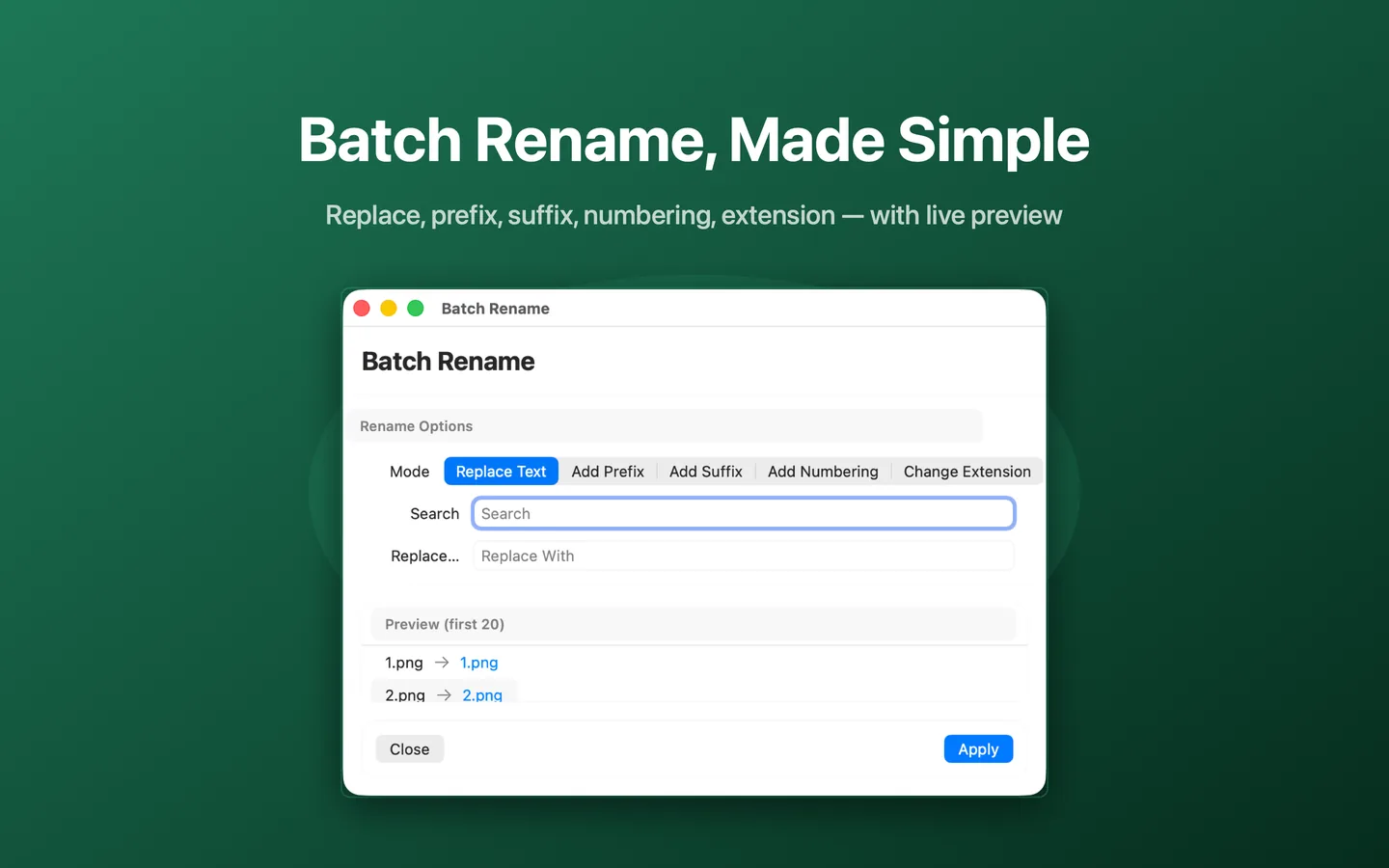
What Batch Rename can do
- Replace text within file names
- Add a prefix to file names
- Add a suffix to file names
- Add automatic numbering
- Change file extensions
- Live preview of the first files before applying
How it works
- Select the files you want to rename in Finder.
- Choose Tools → Batch Rename from the right-click menu.
- Pick a mode: Replace Text, Add Prefix, Add Suffix, Add Numbering or Change Extension.
- Review the live preview, then click Apply.
When to use it
- Renaming a batch of photos, scans or downloads into a consistent pattern.
- Adding sequential numbering to a set of files.
- Fixing a common typo or a shared prefix across many file names at once.
Availability and limitations
Batch Rename is part of JoyClick, a macOS utility that requires macOS 14.0+. Some actions require granting JoyClick permission to the folders it works in. Available actions may depend on the selected file type and the applications installed on your Mac.
Frequently Asked Questions
What rename modes does JoyClick support?
Batch Rename supports Replace Text, Add Prefix, Add Suffix, Add Numbering and Change Extension.
Does JoyClick show a preview before renaming?
Yes. JoyClick shows a live preview of the first files so you can confirm the rule before applying it.
Can I rename files in different folders at once?
Batch Rename applies to the files you select, so select the files you want renamed in a single operation.
Try Batch Rename on your Mac
Download JoyClick - Right-Click Tools on the Mac App Store. Requires macOS 14.0+, $8.99 one-time purchase, privacy: Data Not Collected.