
Similar Photos
Find and clean similar photos in batches.
Short answer: JoyClick includes a similar photo finder that helps you locate and clean up near-duplicate photos in batches.
Similar Photos finds photos that are close to each other — burst shots, near-identical frames and repeated exports — so you can review them in batches and keep the best ones.
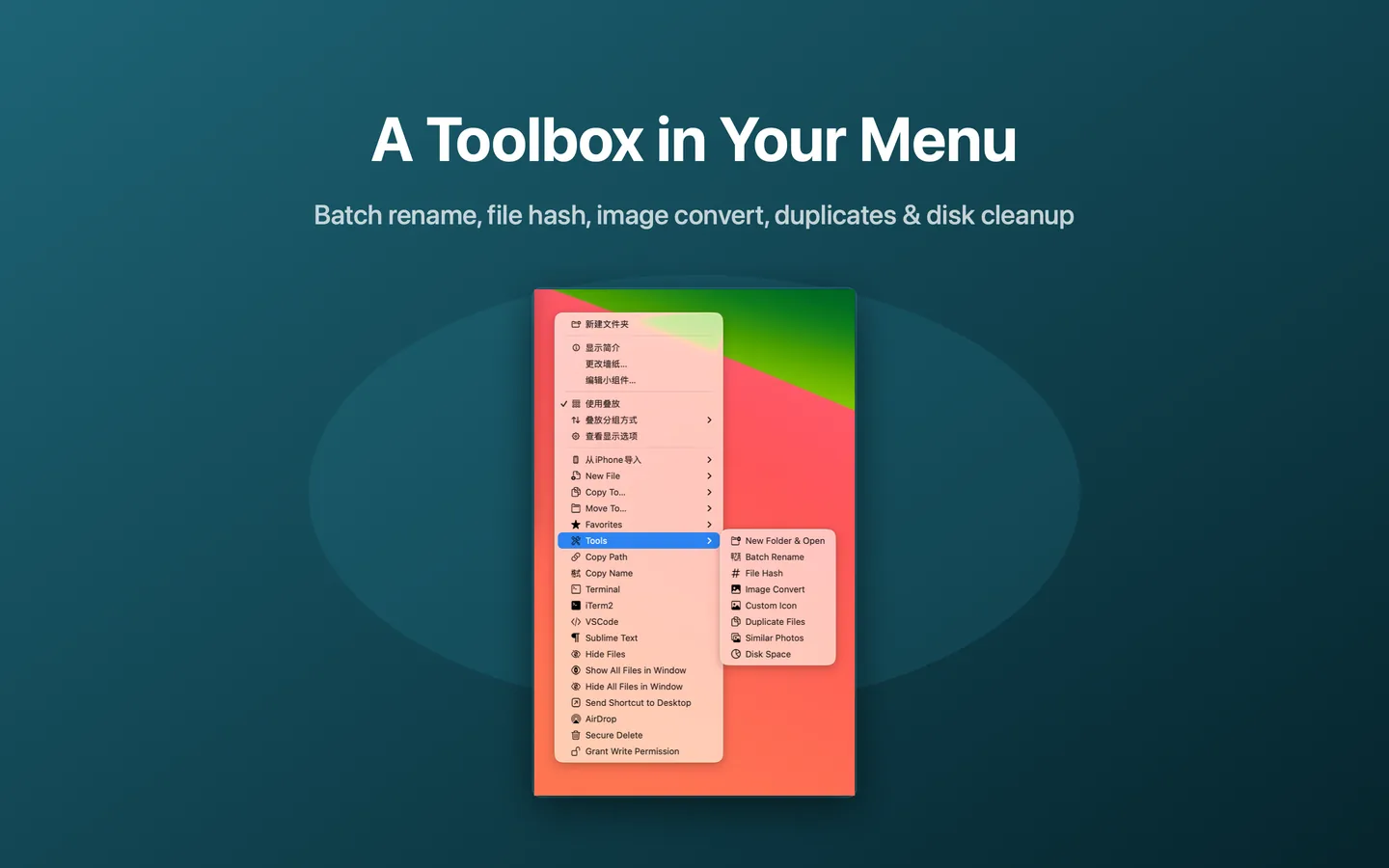
What Similar Photos can do
- Find similar photos
- Review near-duplicate photos in batches
- Clean up photo libraries more efficiently
How it works
- Choose Tools → Similar Photos from the right-click menu.
- Select the folder to scan.
- Review the groups of similar photos.
- Keep the photos you want and remove the rest.
When to use it
- Cleaning up a photo library with many burst shots.
- Removing near-identical frames after a shoot.
- Reducing the size of a photo collection without losing the best images.
Availability and limitations
Similar Photos is part of JoyClick, a macOS utility that requires macOS 14.0+. Some actions require granting JoyClick permission to the folders it works in. Available actions may depend on the selected file type and the applications installed on your Mac.
Frequently Asked Questions
How is this different from the Duplicate Files tool?
Duplicate Files finds identical content, while Similar Photos finds near-identical images such as burst shots and repeated exports.
Can I review the results before removing anything?
Yes. Similar Photos groups the results so you can review them in batches.
Try Similar Photos on your Mac
Download JoyClick - Right-Click Tools on the Mac App Store. Requires macOS 14.0+, $8.99 one-time purchase, privacy: Data Not Collected.