
Image Convert
Convert images between popular formats from the menu.
Short answer: JoyClick can convert images between popular formats directly from the right-click menu, without opening a separate image application.
Image Convert turns a right-click into a format conversion. Select one or more images and convert them between common formats, which is handy when a tool or upload requires a specific file type.
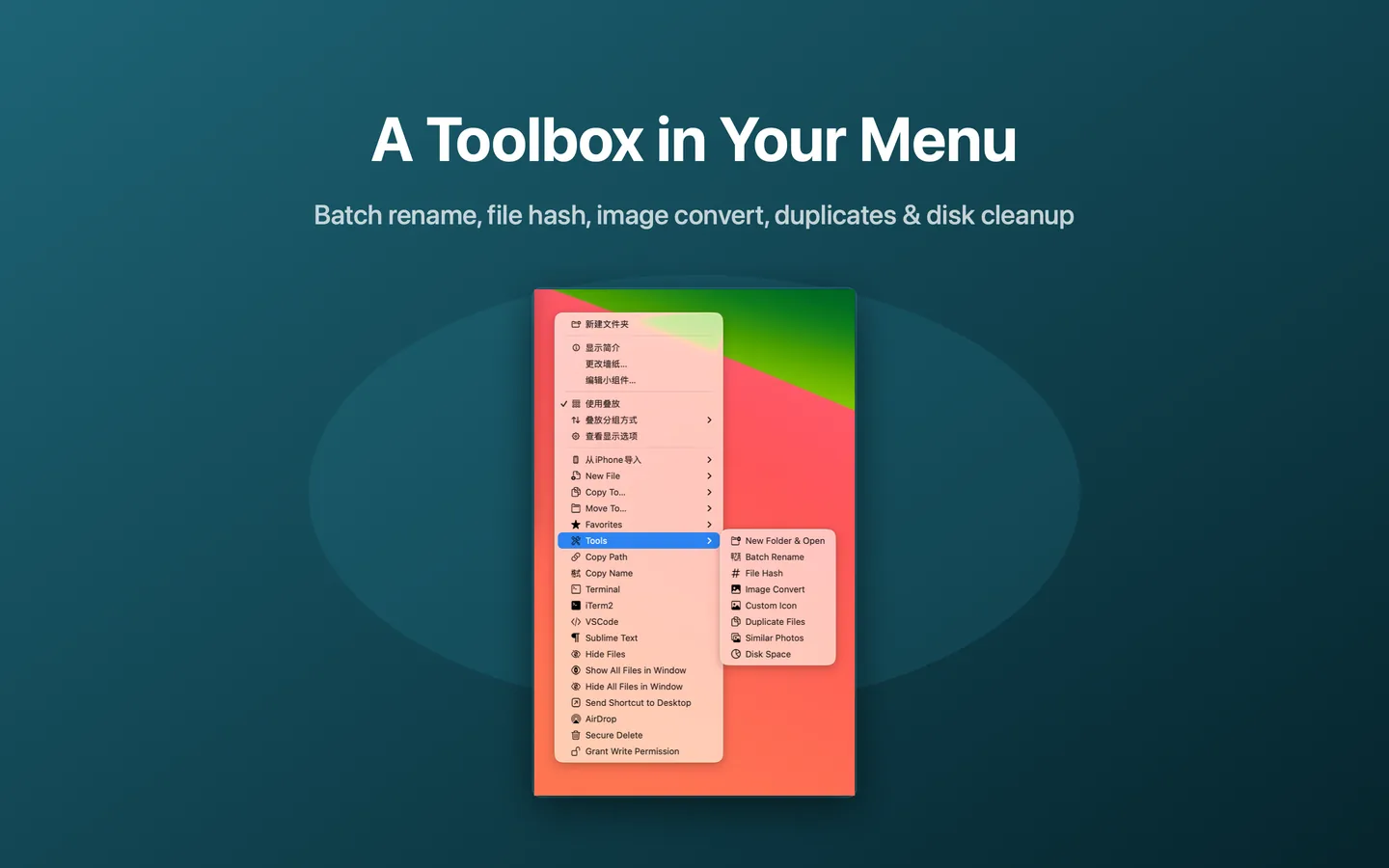
What Image Convert can do
- Convert images between popular formats
- Convert from the Finder right-click menu
- Works on a selection of images
- No separate image editor required
How it works
- Select one or more image files in Finder.
- Choose Tools → Image Convert from the right-click menu.
- Pick the target format and convert.
When to use it
- Changing an image format for a website or upload limit.
- Converting a batch of images to a consistent format.
- Avoiding a full image editor for a simple format change.
Availability and limitations
Image Convert is part of JoyClick, a macOS utility that requires macOS 14.0+. Some actions require granting JoyClick permission to the folders it works in. Available actions may depend on the selected file type and the applications installed on your Mac.
Frequently Asked Questions
Can I convert several images at once?
Yes. Select multiple images and use Image Convert from the right-click menu.
Do I need a separate image editor?
No. Image Convert works from the context menu, so a full image editor is not required for a format change.
Try Image Convert on your Mac
Download JoyClick - Right-Click Tools on the Mac App Store. Requires macOS 14.0+, $8.99 one-time purchase, privacy: Data Not Collected.